
Allow a folder once.
Choose a folder with Apple’s secure picker. Foldrobe watches it while active and catches up automatically when you return.
A digital wardrobe for your files
Foldrobe indexes the folders you allow, explains what is using space, and helps you manage clutter in deliberate batches.
US $1.00 · One-time purchase
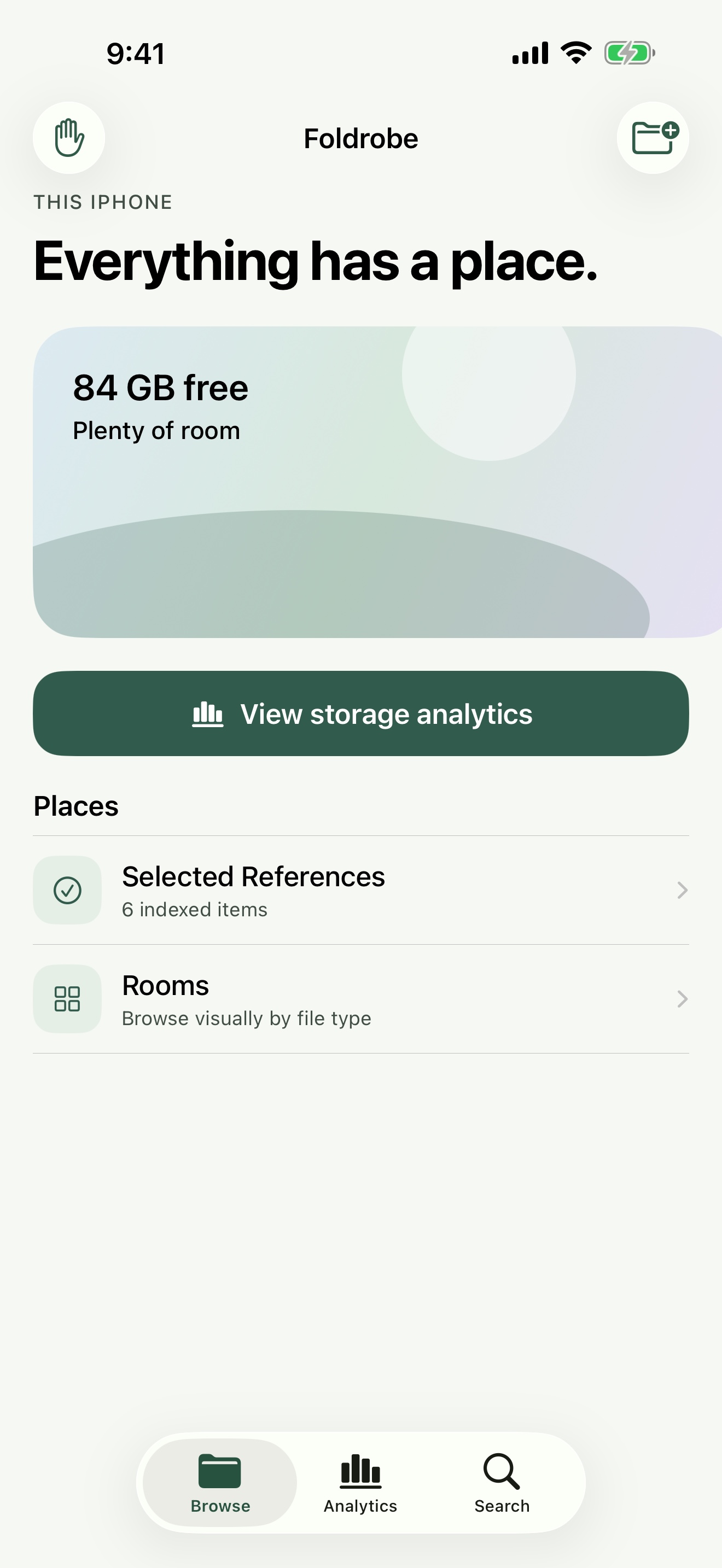
48-second walkthrough
A silent, captioned walkthrough of folder access, browsing, search and filters, storage analytics, bulk deletion, file actions, and on-device privacy.
From folder to insight
Choose a folder with Apple’s secure picker. Foldrobe watches it while active and catches up automatically when you return.
Storage analytics rank large and old files, estimate cleanup opportunities, and flag possible duplicates by matching filename and size.
Select files to copy, move, cut and paste, rename, or delete after a clear confirmation. Image previews help you verify first.
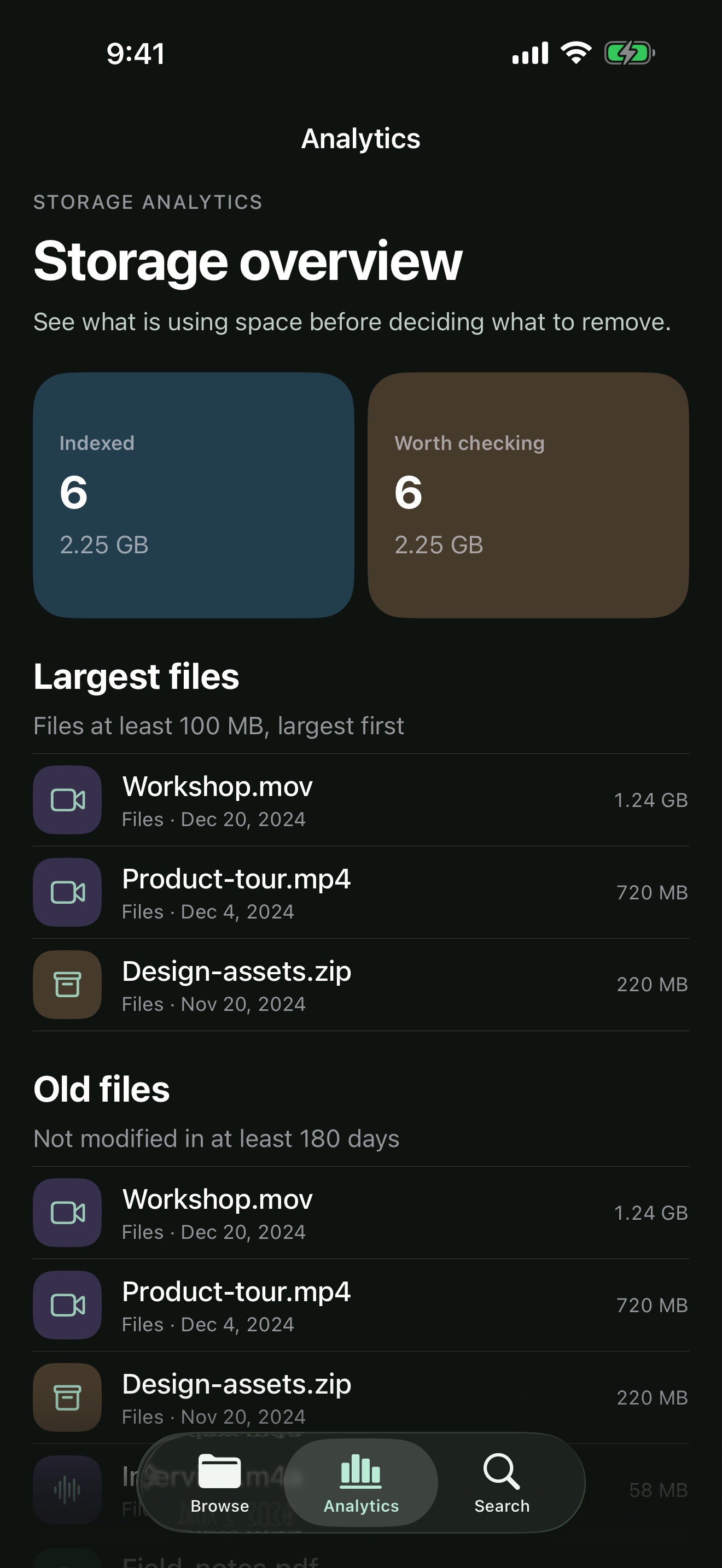
Storage analytics
Foldrobe turns file metadata into practical cleanup signals without uploading your index or pretending that every old file should go.
Permission before indexing
iOS does not allow a third-party app to scan the entire phone. You grant access to folders through Apple’s secure system picker.
Private by design
Foldrobe has no account, ads, or behavioral tracking. File metadata and image previews are processed on your iPhone and are not uploaded.
Read the privacy policyComfort in every mode
Dynamic Type, VoiceOver, dark mode, Reduce Motion, and Reduce Transparency are part of the design, not an afterthought.